

Submitted to the App Store

Journal: Reminders & Notes
iPhone · Free · Tag Studios LLC
A private place to write.
Keep a journal, save reminders, and come back to the things that matter. Everything stays on this device — no accounts, no cloud, no tracking.
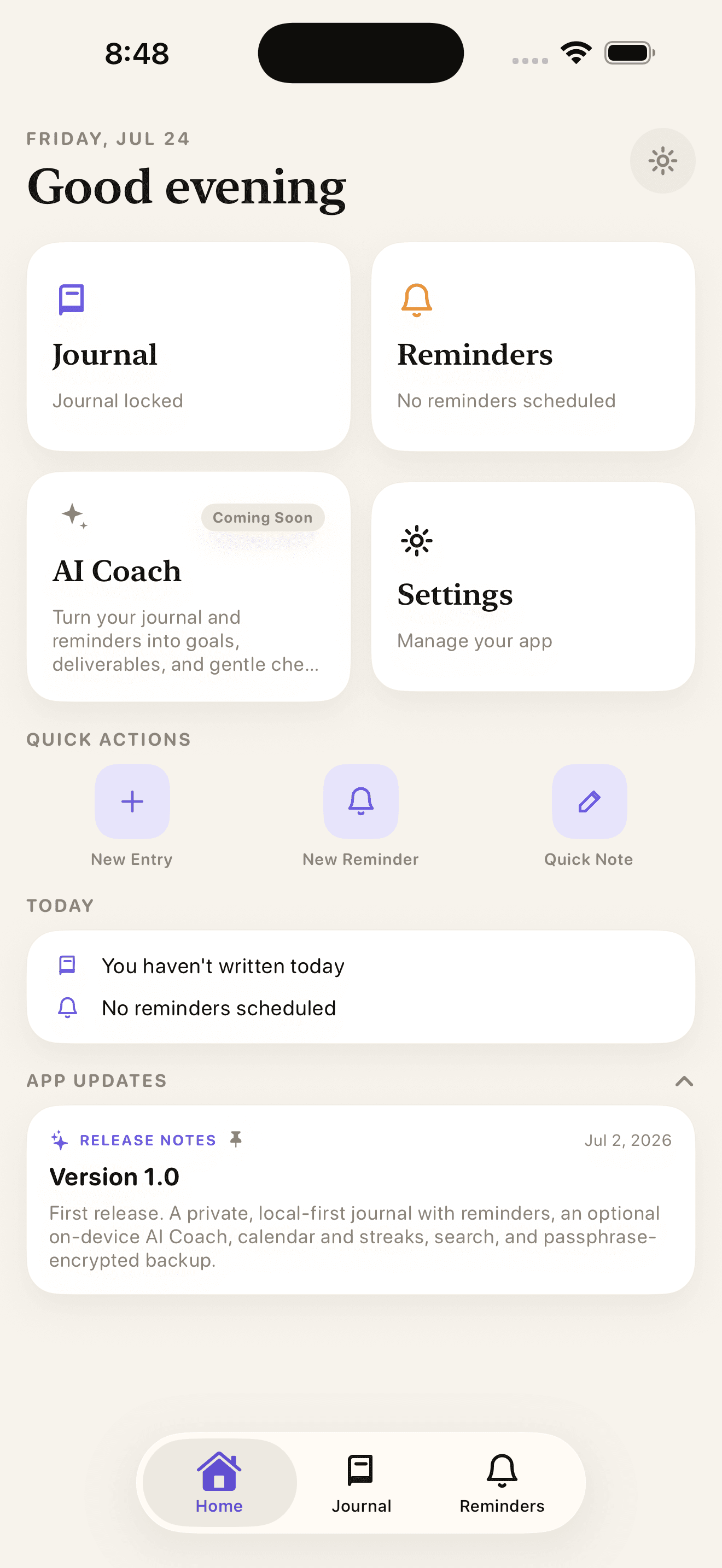
Two halves, one app.
Use Journal for private writing. Use Reminders for notes you want the app to bring back later.
Journal
Locked behind a password you set. Timeline and Chapters views, a markdown editor, moods, tags, and templates.
Reminders
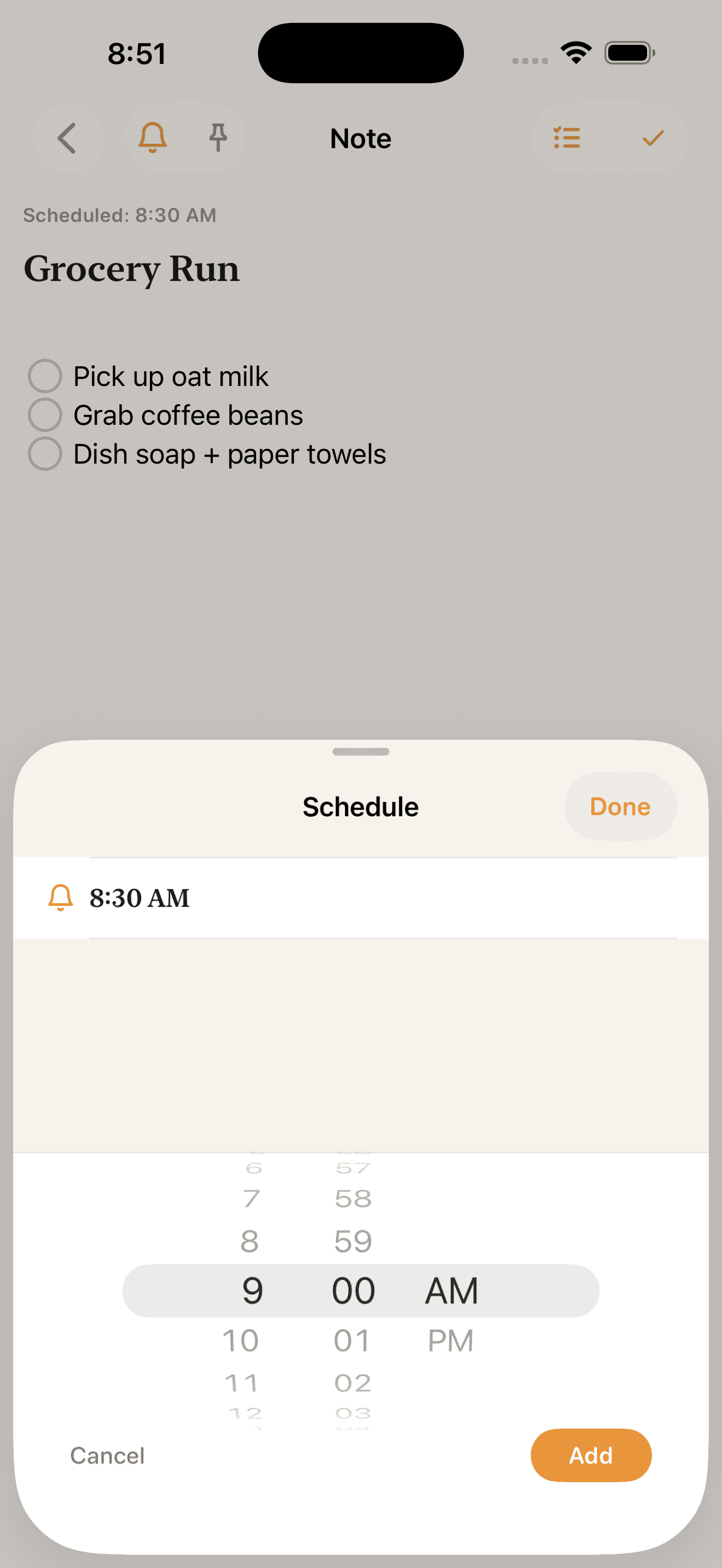
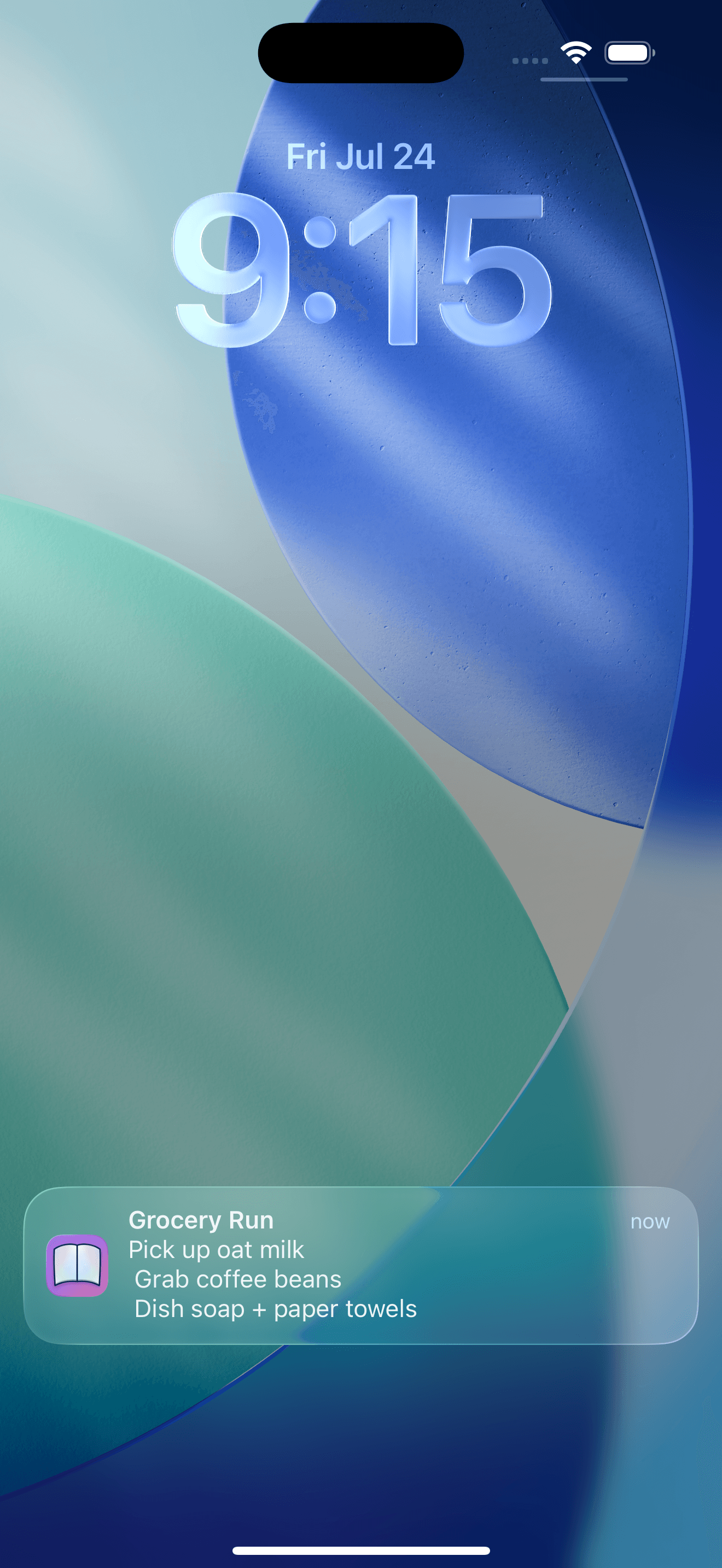
Multi-section notes with checklists and per-note schedules. Everything fires through local notifications.
Private by default
Your writing stays yours.
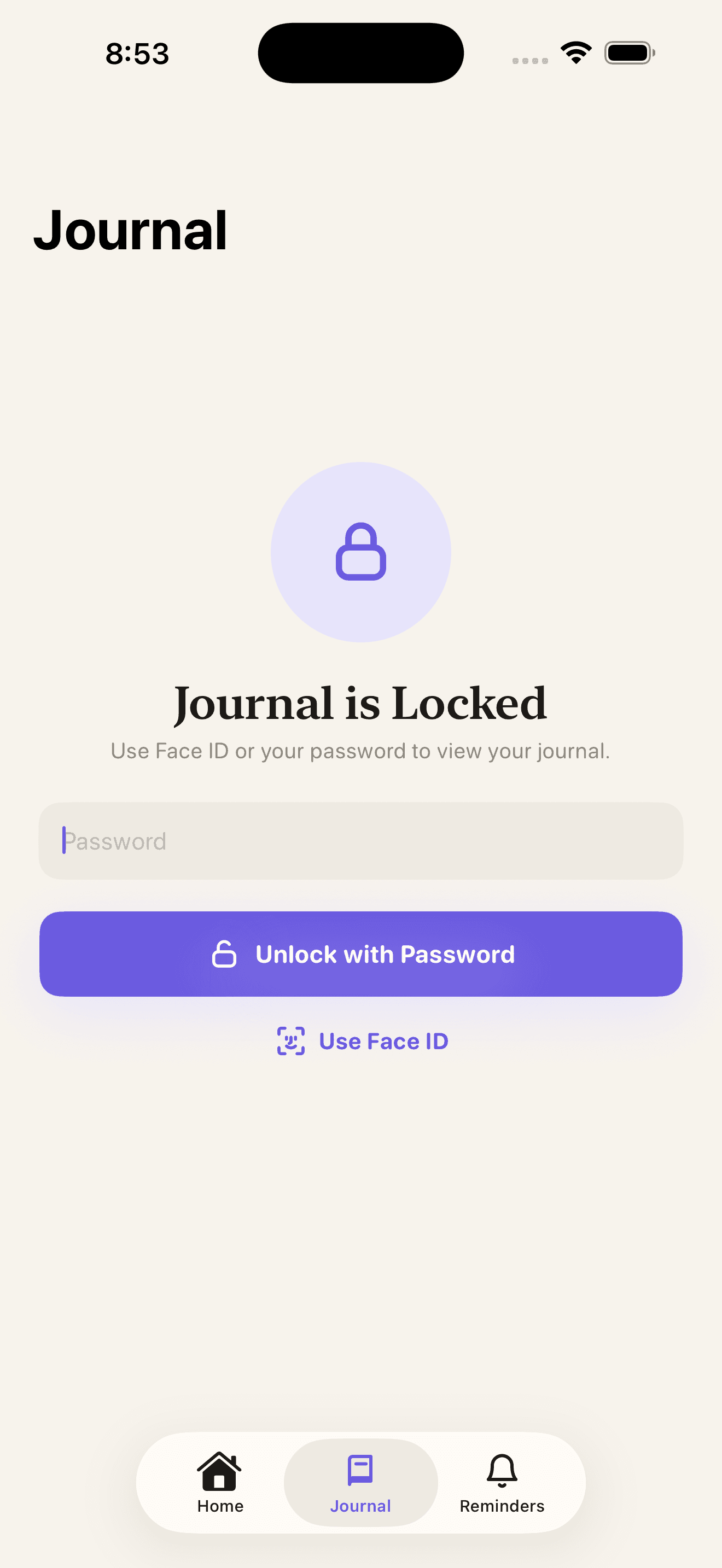
The Journal section is locked. You set a password the first time you open it — letters and numbers, at least four characters — and can turn on Face ID or Touch ID for faster access.
- Optional whole-app lock, with auto-lock timing from immediate up to 60 minutes
- Individual chapters can carry their own password
- The app-switcher preview is always hidden, so nothing shows in multitasking
- There is no password recovery — if it's lost, the journal can't be opened
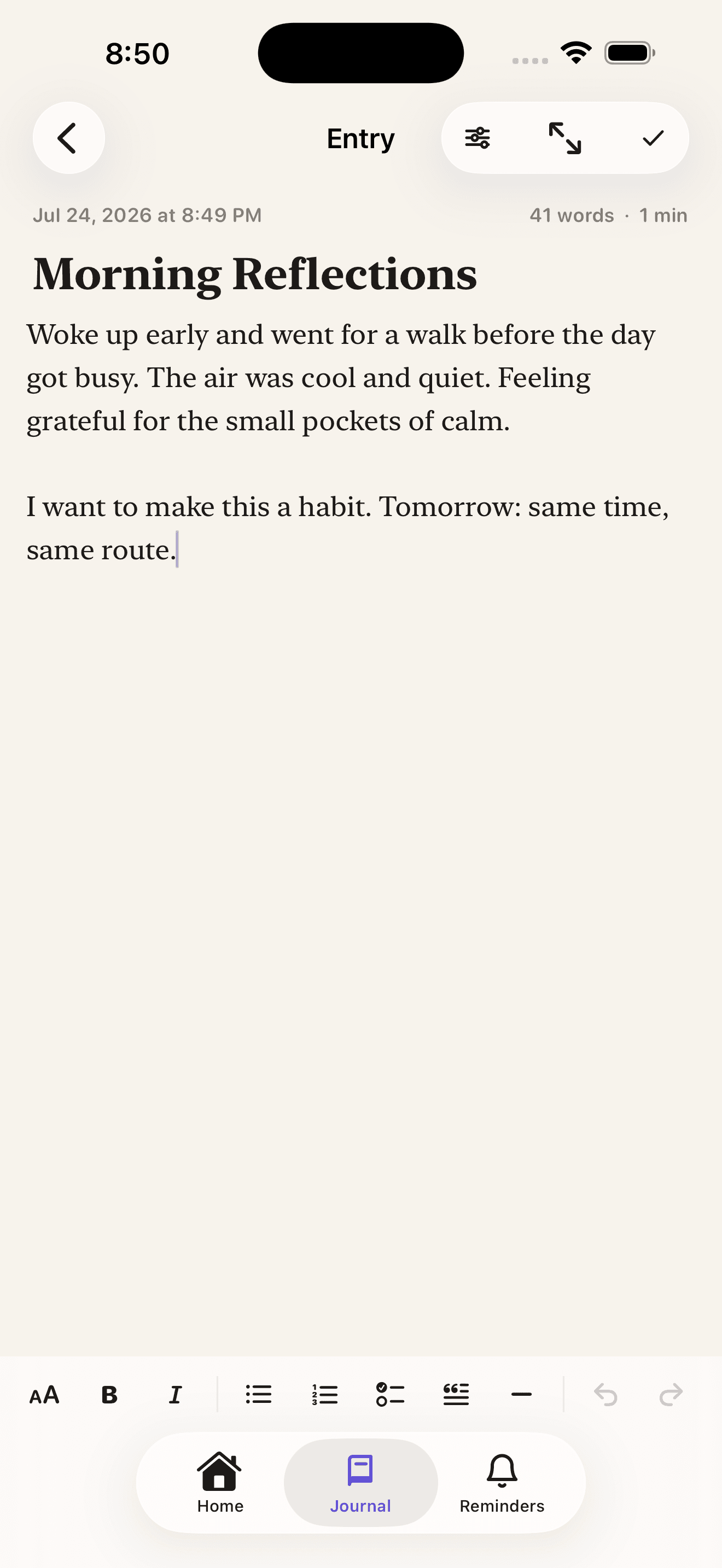
The editor
Write in markdown, without the ceremony.
A markdown editor with live syntax highlighting and a toolbar for headings, bold, italic, bullets, numbered lists, checklists, quotes, dividers, and undo/redo. Checkboxes are tappable and strike through when done.
- Auto-save with a “Saved” indicator, plus word count and reading time
- Focus mode for distraction-free writing
- 5 templates: Daily Reflection, Gratitude, Goal Check-in, Weekly Review, Morning Pages
- 10 rotating daily prompts you can insert with one tap
- A 5-point mood with emoji and caption, plus free-form tags
- Timeline and Chapters views; edit the entry date and time, pin, or delete with undo
Find any entry
Full-text search runs across titles, entry text, and tags. Filter by mood, tag, or chapter, and sort by newest, oldest, or title.
Keep the streak
The app tracks a writing streak, shown on the Home Journal card and in the Streak widget, with milestone notifications at 3, 7, 14, 30, 60, 100, and 365 days.
Reminders
Notes that come back when you need them.
Reminder notes hold multiple sections and checklists. Pin them, search them, sort them, select several at once, or swipe to act — and undo a delete if you change your mind.
- A notification toggle per note, so only the ones you choose ever ping
- Per-note schedules with as many times as you want, falling back to your global Daily Reminder Times
- Optional Surprise Motivation: one random enabled note pings inside a window you set
- A Quick Note sheet for capturing something fast
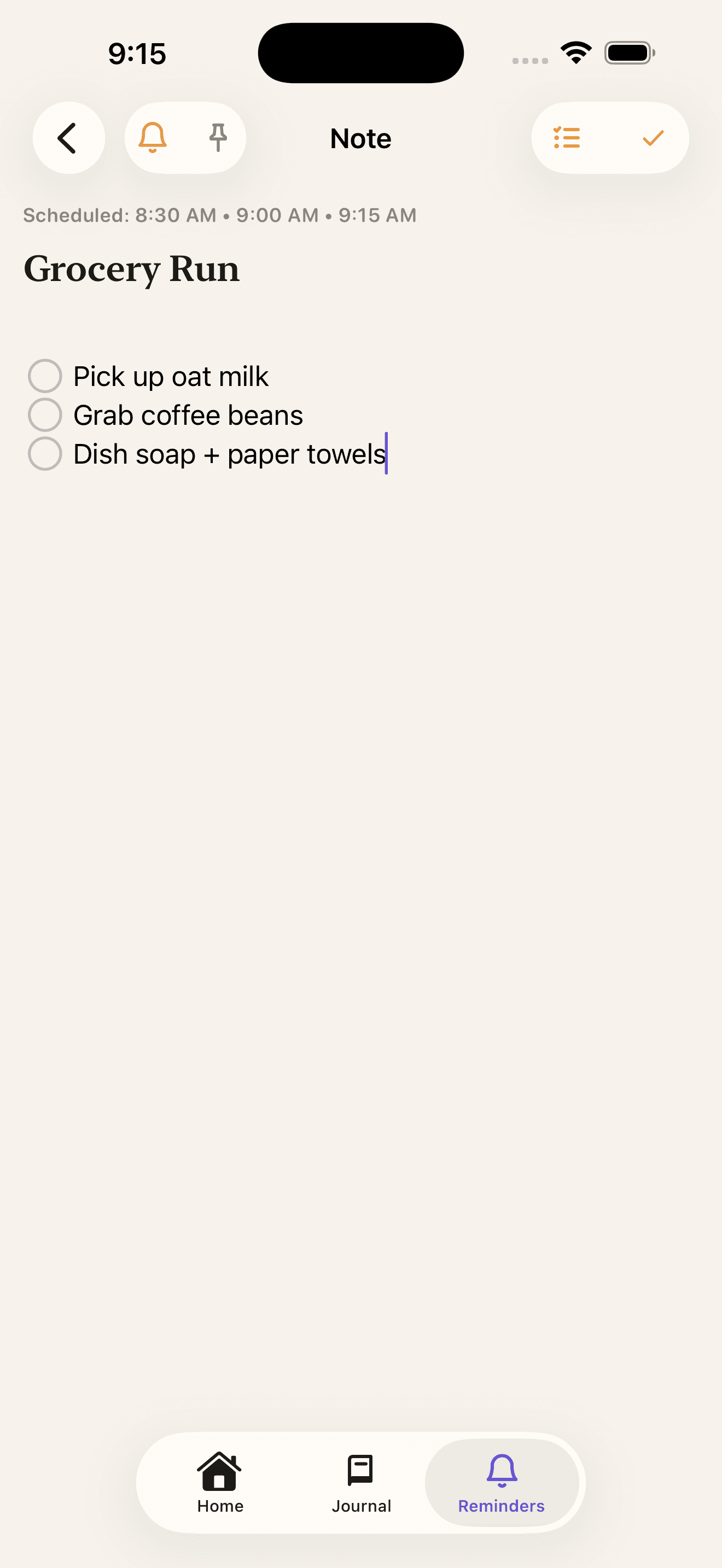
Scheduled on your iPhone, delivered by your iPhone.
Reminders use Apple's local notification system. Nothing is sent to a server.
Home screen
Four widgets.
Streak
Your current writing streak at a glance.
Log Mood
Interactive — tap an emoji to log it.
Quick Note
Jump straight into a new reminder note.
Quick Journal Entry
Start writing without hunting for the app.
Everything stays on this device.
No accounts. No cloud. No analytics, no tracking SDKs, and no third-party services collecting anything about you.
What's encrypted
Journal entry body text is encrypted on your device using AES-GCM-256. The key is held in the device Keychain and is never synced anywhere.
To be precise about the rest: entry titles, moods, tags, and chapter names are stored unencrypted, and so are your reminders. Your journal password locks access to the Journal section — it isn't what encrypts your writing.
What the app asks for
Two permissions, both narrow: Face ID, used only when unlocking or enabling App Lock, and Notifications, requested only when you turn on reminders.
Nothing else. No camera, microphone, contacts, location, or photo access, and no tracking of any kind.
Made with care. No accounts, no analytics, no cloud.
Export & backup
Take your writing with you.
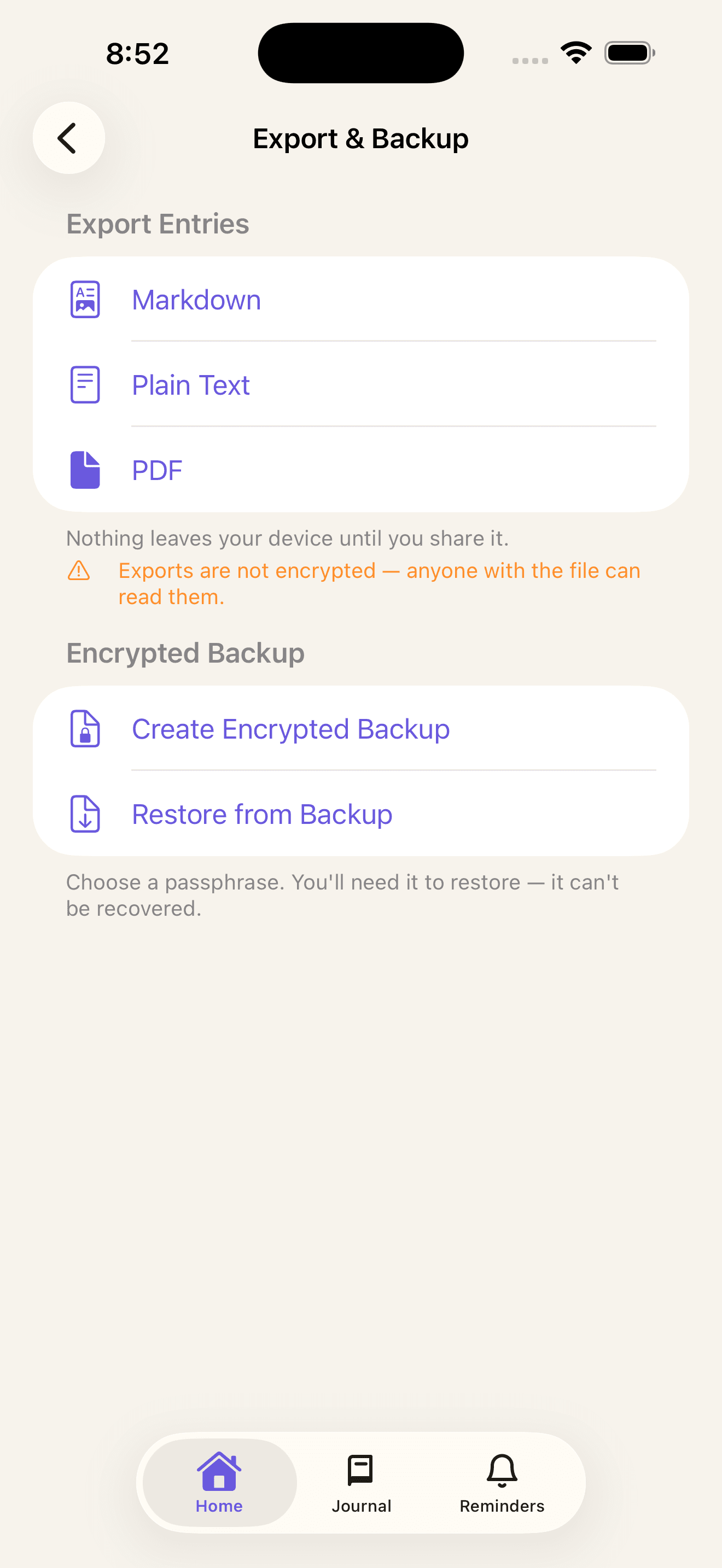
Export entries as Markdown, plain text, or PDF through the share sheet. Files are generated in the background with progress, and include the title, date, mood, tags, and chapter. Nothing leaves your device until you share it.
Exports are not encrypted — anyone with the file can read them.
To move your writing somewhere else, create a .journalbackup file, encrypted with a passphrase you choose. Restoring merges by entry ID and never overwrites something you already have.
- Choose a passphrase. You'll need it to restore — it can't be recovered.
- Backups cover journal entries and chapters only — not reminders, schedules, or settings
- Entries don't carry over through an iPhone backup and restore, so make an app backup before switching devices
Ten languages, full parity
English, Spanish, French, German, Italian, Portuguese, Japanese, Korean, Simplified Chinese, and Arabic — with true right-to-left layout for Arabic. Switching is instant and doesn't need a restart.
Getting started
Four onboarding screens and a six-step interactive tutorial, both replayable from Settings at any time. Support and FAQ live in the app, alongside a diagnostic export.
VoiceOver labels, Dynamic Type, and Reduce Motion support are built in.
AI Coach
Turn your journal and reminders into goals, deliverables, and gentle check-ins, all processed privately on your iPhone.
Not part of version 1.0. It isn't available yet, and we aren't announcing a date.
Questions?
Email us and we'll help. We only ever see what you choose to put in your message.